Oppo A40 Frp
Factory Reset Protection (FRP) on the OPPO A40 is an Android security feature activated when a device is reset without removing the associated Google account, requiring original credentials for setup. To resolve this, users should utilize the Google Account Recovery tool or, if accessible, remove the account via settings before resetting. For more details, visit OPPO Ireland AI responses may include mistakes. Learn more Bypass FRP para Oppo A5 2025 y CPH2727
: Legitimate owners who forget their passwords may find themselves "locked out" at the Google verification screen after a reset. Known Methods for FRP Bypass
If you have stumbled upon this article searching for the keyword you are likely staring at a screen that says “This device was reset. To continue, sign in with a Google Account that was previously synced on this device.” You are locked out, and the frustration is real.
| Action | Does it trigger FRP? | |--------|----------------------| | Normal factory reset from phone settings (with screen unlocked) | ❌ No | | Hard reset using Recovery Mode (Power + Vol Down) | ✅ Yes | | Flashing firmware via PC tool (SP Flash / OPPO Flash Tool) | ✅ Yes | | Forgot pattern and reset via Find My Device | ✅ Yes | | Second-hand purchase with previous owner’s account still active | ✅ Yes |
This is often the most direct method to bypass the setup wizard on Oppo devices. oppo a40 frp
: Use the "Share" or "Menu" options within the help page to find a way to "Open Settings" or use the Clone Phone app to migrate data from another device to bypass the lock . Important Precautions
: Once the migration starts, the system often bypasses the initial Google verification, allowing you to set a new screen lock or skip the login entirely. Method 2: Professional PC Tools (EDL Mode)
1️⃣ If you remember the email and password previously synced to the device, simply enter it. This is the official method.
FRP is essential for several reasons:
Below are the most effective methods to regain access to your device. Before You Start
Go back to the setup screen and tap on the "Emergency Call" button.
For users who prefer a faster, more technical solution, professional tools can remove the lock in seconds by putting the device into . OPPO A40 - Specifications | OPPO United Kingdom
If the home screen opens, immediately go to Settings > Additional Settings > Backup and Reset . Factory Reset Protection (FRP) on the OPPO A40
Factory Reset Protection (FRP) is a built-in security feature on Android devices, including the Oppo A40. It automatically activates when a Google account is registered on the device. If you perform a factory reset without removing the Google account first, the phone will lock itself upon reboot, demanding the original Google account credentials to proceed.
Access the web browser on your locked Oppo A40 using the YouTube/TalkBack exploit detailed in Method 2.
FRP is a security measure introduced by Google to prevent unauthorized access after a hard reset. On the OPPO A40, which typically runs (Android 14), this lock is triggered automatically if a Google account is active during a reset performed via Recovery Mode. Method 1: Bypass Without PC (Quick Share Method)
Latest Guides
Explore our newest guides to help you create and improve your profile pictures.
Guides
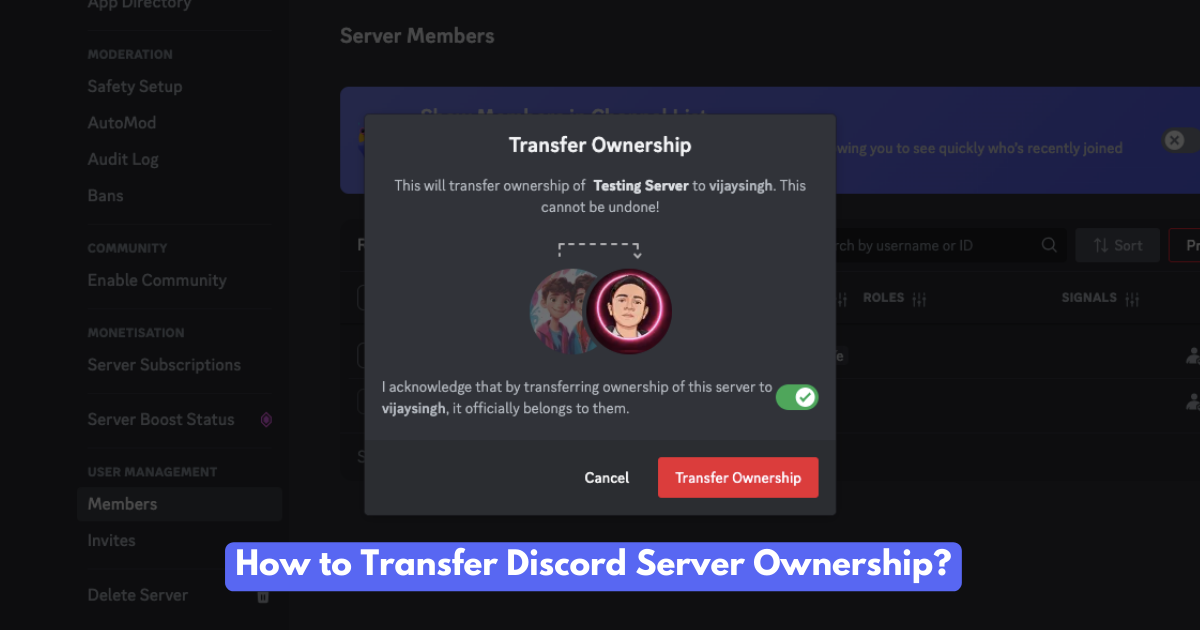
Want to hand over your Discord server? Learn how to transfer ownership, the reasons people do it, and what happens afterward. A complete guide!
Read More
Guides
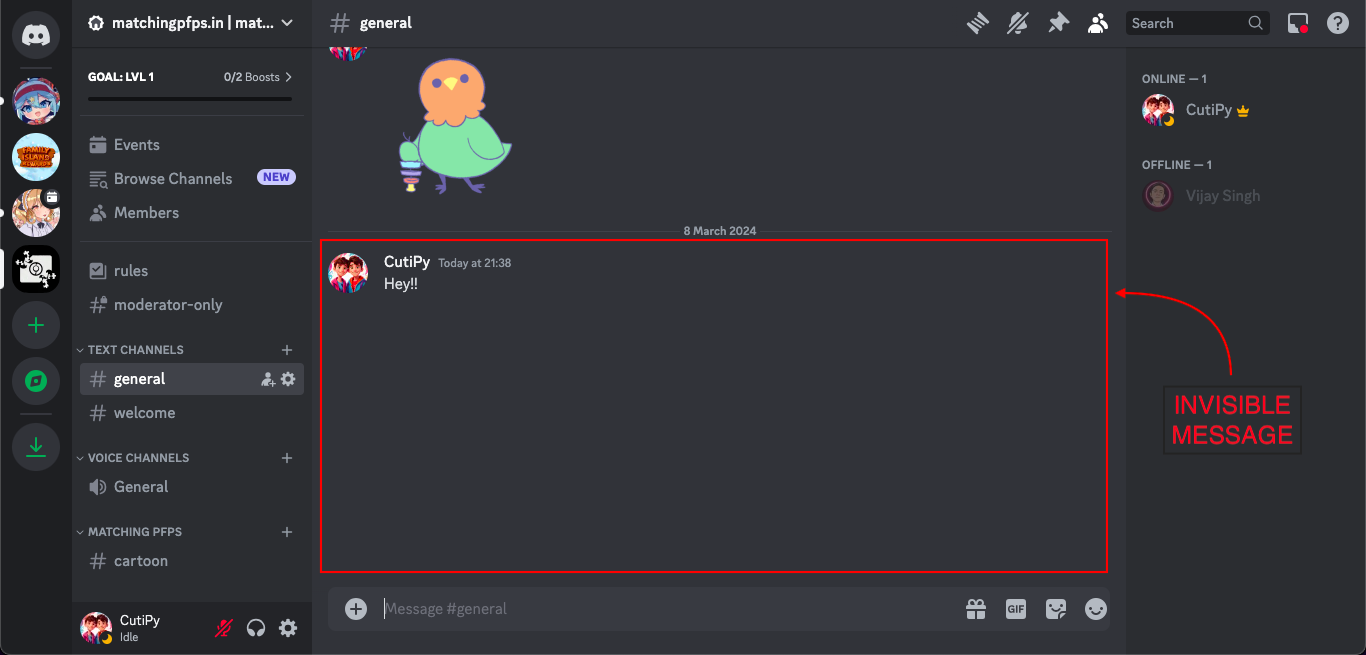
Learn how to send invisible messages on Discord! Add a touch of mystery, surprise your friends, and personalize your chats with these simple tricks.
Read More
Collection

Need a better Discord profile picture? Browse our collection of cool, cute, and stylish PFPs.
Read More
Guides

Ready to Change? Find the best discord avatar and server logo sizes with some cool tips for a standout profile Discord PFP.
Read More
Guides

Changing your Discord profile picture is a breeze. This friendly guide shows you how on any device.
Read More
Collection
Spice up your social media game with these best trio matching PFPs! Discover a treasure trove of 100+ captivating avatars to showcase your personality and fandoms.
Read More
 PfpFinder